

Booking systems
Bookings, with the confirmation sent.
Appointments and customers in one place, a form that really sends, and a short letter back to the person who asked.
What a booking tool has.
Requests that arrive, and a confirmation back
A contact, appointment or quote request reaches you as a message, and you read every one in Manage, under Cloud, then Forms. By default you get an email too, and a visitor who left an address gets a short confirmation that it arrived.
Clients see and cancel their own
"Let clients see and cancel their own appointments". They sign in when they book, and the rest of the site stays open.
Free times, from Calendly
Connect Calendly, then: "Show my free times and let visitors book one"
A deposit when they book
Connect Stripe, then ask: "Let people pay the deposit when they book"
Letters that go out on their own
The letters the app sends on its own: confirming an account, resetting a password, an invitation, a sign-in link, a change of email, a notice to the old address, a password code, and the confirmation of a form.
Staff share one list
Your team sees and changes every record.
Messages that arrive.
The messages visitors send through the app's forms: contact, booking or quote requests, newsletter sign-ups. Nobody needs an account to send one.
Forms in the documentationAsk like this.
Name what the tool keeps track of, and what people do with it.
- A booking app for a hair salon: the stylists, their services and prices, a calendar of appointments by day, and a list of clients with their history
- Add an admin page where my team sees every booking, can confirm it and can cancel it
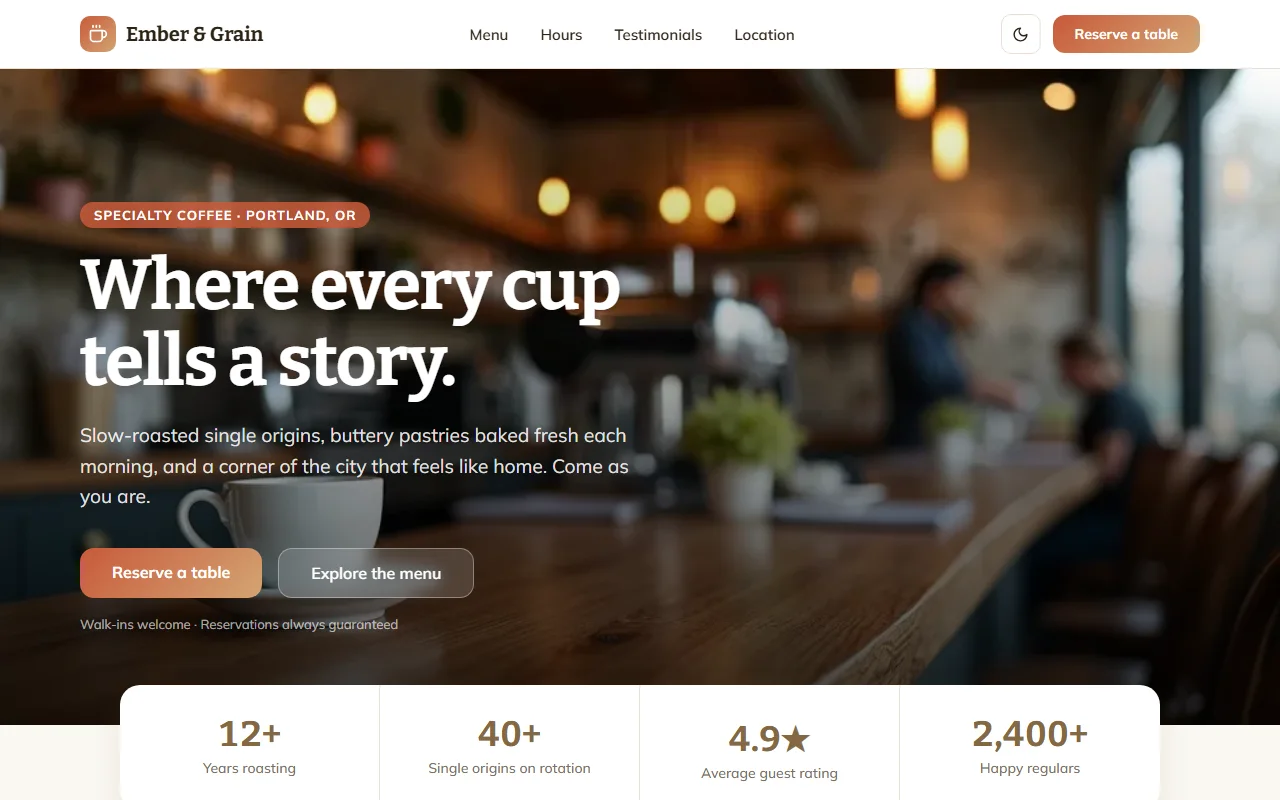
- A website for a dental clinic in Manchester, with the treatments and their prices, the team, opening hours, and a form to ask for an appointment
- A website for an Italian restaurant, with the menu, photos of the dining room, opening hours, the address on a map and a table reservation form