

Web apps
A tool people work in, from one request.
A list of clients, the bookings for the week, the invoices that are still unpaid: it opens straight into the screens, keeps what people enter, and each person signs in to their own.
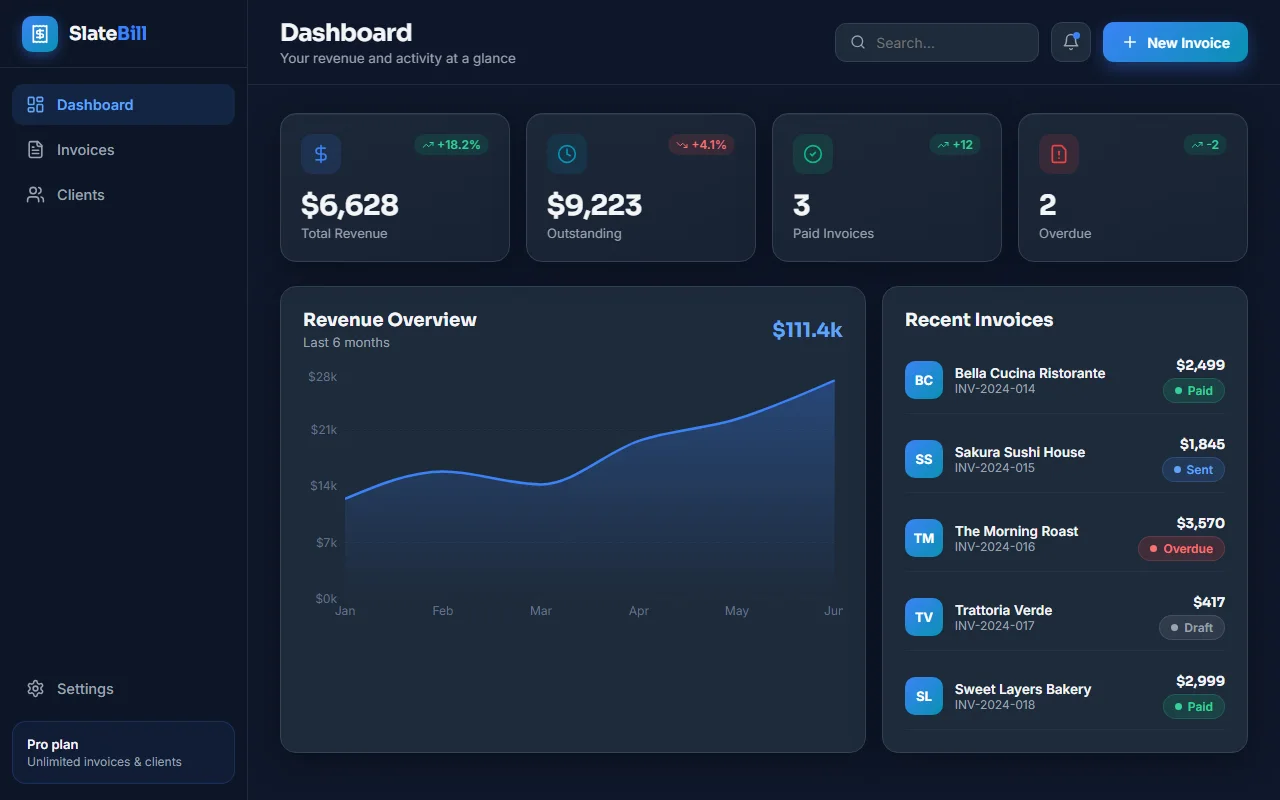
What you get without asking.
The working screens first
No marketing page in front: a menu down the side with the four to six sections the tool needs, and the main one already open.
Sample data from the first second
So you see the tool working before anyone has typed anything into it.
Add, change and delete
For everything in it, with forms, confirmations and messages that say what happened.
Real accounts
Sign in with Google, or with an email and a password, from the foot of the menu. Signed out, the screens show the sample data. Signed in, each person sees only their own, with an empty state and an Add button until there is something to show.
Data that stays
What people enter is saved on Setherion's database and is still there after a reload, on any device. Nothing to set up.
Works on phones
A layout for phones as well as computers.
Share one list with your team.
By default each account sees only its own records, which is right for an app where every person keeps their own list. For a business where the staff share one list of clients, open Manage, then Cloud, then Users, and mark which accounts are your team. Your team sees and changes every record.
Working as a team in the documentationAsk like this.
Name what the tool keeps track of, and what people do with it.
- A CRM for a car repair shop: clients and their cars, repair jobs with a status, parts used, and what each client owes
- A booking app for a hair salon: the stylists, their services and prices, a calendar of appointments by day, and a list of clients with their history
- An invoicing app for a freelancer: clients, invoices with items and VAT, paid and unpaid, and a dashboard of what came in each month
- A stock app for a small warehouse: products with quantities and locations, deliveries in and out, and an alert when something runs low
From the request to the tool.
- 1
Say what it is
Pick Web App, the grid of tiles above the box on the dashboard, or name the tool in your request: "a CRM", "an app to manage", "a dashboard for".
- 2
Start from a spreadsheet
Press +, then Import an app, then Spreadsheet. The app is built around its columns, and up to 300 of its rows become the app's first data.
- 3
Put it online
It is free on every plan, takes seconds, and you can do it as often as you like.