

Publish and domains
Online in seconds. Under your own name.
Publishing puts your app online, at an address anyone can open. It is free on every plan, takes seconds, and you can do it as often as you like.
What comes with it.
An address of its own
Every published app has an address like coffee-shop-ember-grain.setherion.app, free on every plan.
Your own domain
A domain of your own, like coffeeshop.com, puts the same app under your name.
The domain stays yours
The domain stays yours whatever happens here.
Checked before it goes out
The new version is opened out of sight and must paint and stay up. If it crashes, Setherion sends it back for repair up to three times, free of charge, and your screen keeps the previous version until one passes.
Visitor stats, built in
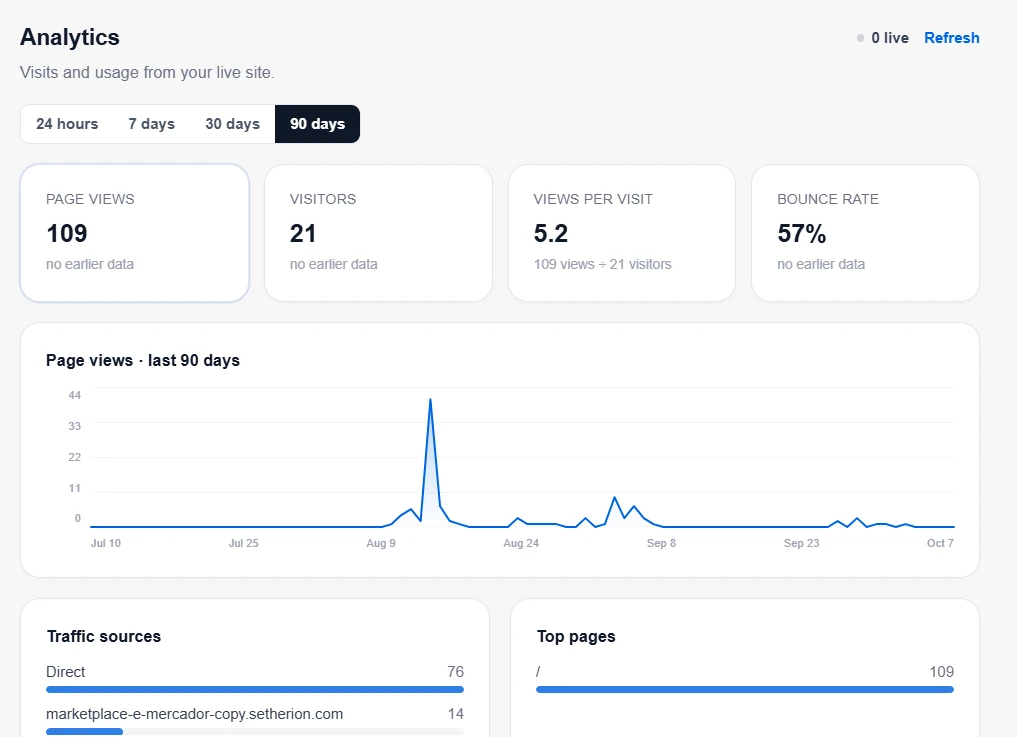
Every published app counts its visits by itself, with nothing to set up.
Ready for search and AI search
The site gets a title and description, the tags that make a shared link show a card, an icon, a sitemap and a robots file, without being asked.
One button puts it online.
Continue publishes. In a few seconds the window says Your app is live! (or Your app is updated!, or Already up to date when nothing has changed since the last publish), with the address, Open, a button to copy the link, and one to connect a domain.
Publish to the web, in the documentationConnect your own domain.
- 1
Publish the app first
A domain points at something published. If the app has never been published, publish it once, then come back.
- 2
Write the domain
coffeeshop.com, or shop.coffeeshop.com if you want it on part of a domain you already use for something else. Write the name alone, with no https:// in front and nothing after it.
- 3
Add the records it gives you
When you click out of the box, Setherion answers with the records your domain needs. The first time, it publishes the app again so it can take a domain, which takes a moment. Add the records where you bought the domain, in its DNS settings.
Who may open it.
Public
Anyone with the link. Every app starts here.
Workspace, on Business
Only the people in your workspace, signed in.
Custom, on Business
The workspace, plus the people the app is shared with.